A Study of Disasters
News
Milwaukee WI
13 September, 2021
12:35 PM
Description
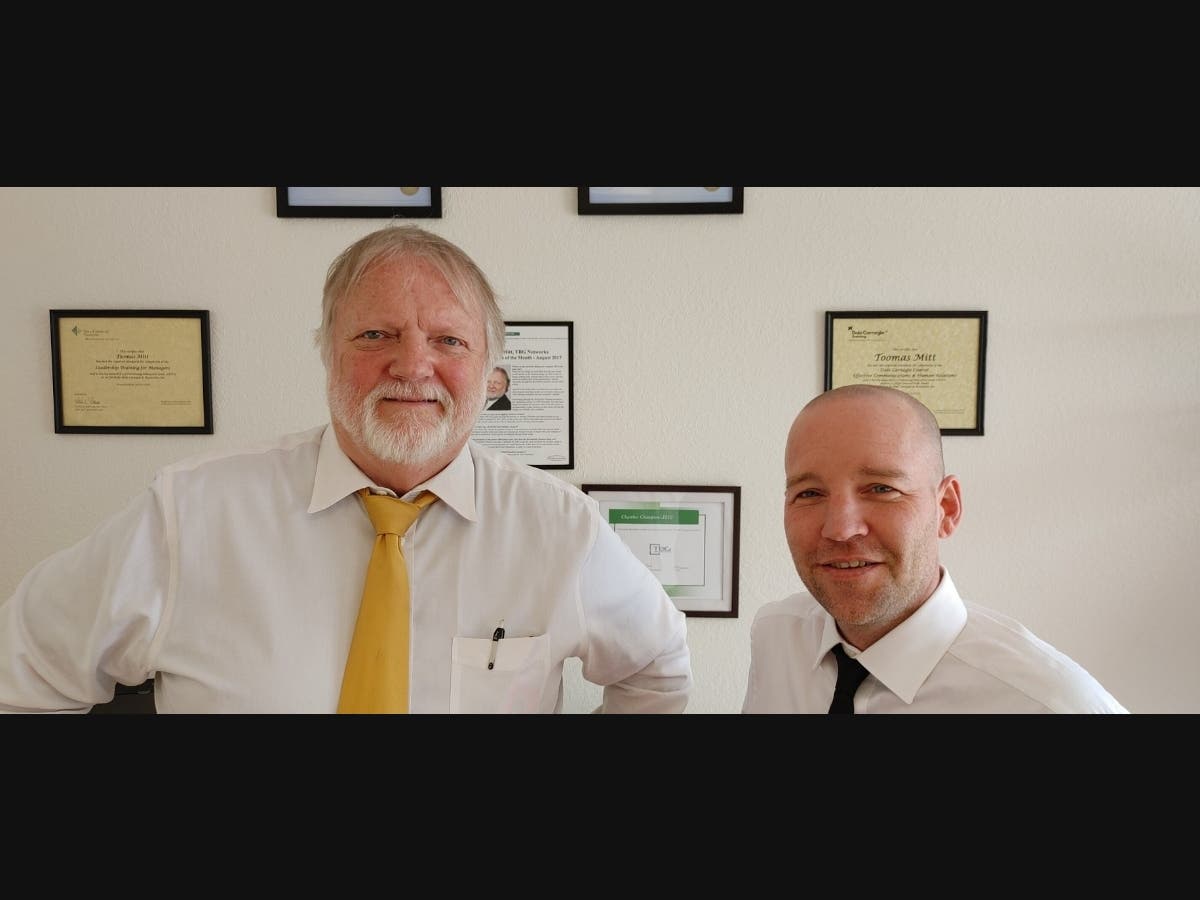
Our names are Jake Polzin, President and Toomas Mitt, Founder of TBG Technologies, an IT support company since 2004. The reason TBG Technologies exists is that we believe small companies are ignored. We are talking about the really small businesses. Those with ten or fewer employees usually get the short end of the stick when it comes to technology support. They have the same goals as big corporations. They have the same technology issues. But they have a tough time getting good, reliable help. In the business world, few things strike as much terror into the hearts of business owners as a dead computer system. Especially if it is a server and all the business files and programs are on it. Now, all your staff are just sitting, unable to do their jobs. Sometimes when this happens, even the internet connection is broken. In the worst case, phones are down. This is what we call a "Hair on Fire Emergency." Yup, that's an official technical term. Thankfully, this is a rare event. In my 40 plus years in the business, it has happened only a few times. That's not much comfort though when it does happen. Few things are as annoying as a technician telling you "Wow, that never happens!" Who cares how many times it's happened – what's important is that it has happened to you NOW! There are only a few options when this does occur and all of them are dependent on what preparation has been done before the fact. By now you're probably expecting a lecture on backups. "Make sure your backups are running and are up to date" is what every support company will tell you. And they are right; your backups must be running, up to date, and regularly tested. You do have backups, right? You do check and test them regularly, right? If you have in-house backups, the issue now becomes "how quickly can we recover?" This is the critical question and the answer can determine how much productivity will be lost. Yes, there will be a productivity loss. Because unless you have a full, real-time, automatic switch-over backup system in place, someone is going to have to manually recreate your system using your backed-up data. The real question for small businesses is, "How long will this take?" And the answer to this depends on what type of backup you have. Just be aware that you need to get answers to these questions from whoever is taking care of this for you. Here is an instance where "The Cloud" can make a big difference. Let's make believe your business uses email, sends and receives faxes (yes, people still do use fax here and there), you have documents that you edit and send out, you work on spreadsheets and you use QuickBooks for your bookkeeping. If you are running this all in-house and you have a full-blown disaster, you are going to be in a world of hurt. You have either paid a lot for a quick turnaround backup system or you have all of this in the cloud. If you have all this in the cloud, all you need do is find an internet connection using whatever computer you have available and boom! You are back in business. Here are a few things that a lot of businesses need that you can have running in the cloud: Word, Excel, PowerPoint, Outlook (email. contacts, calendar, tasks), Publisher, Google, docs/forms/calendars, Google mail, Faxing, QuickBooks (bookkeeping/payroll). These are the most common items. There are plenty of other applications that can be run in the cloud that are designed just for your business. Using a cloud-based product can make a huge difference when recovering from a failure. For example, I have a 3-user client who runs their QuickBooks bookkeeping on an in-house PC. Everything was great until that PC died with a bad hard drive. They did have a backup but did not have their original QuickBooks CD, so we couldn't quickly recover them to a new PC. It took two days to get them back in operation and it was fairly expensive for them. Their payroll was in danger of being late and their employees would not have been happy. If they had used QuickBooks Online, this would have been an annoyance, not a disaster. And it would have been far less expensive to recover. I'm not trying to sell QuickBooks Online here. I'm using this as an example of how thinking about this ahead of time can make a big difference if you have a disaster. It might seem like having all your business up in the cloud is what you should always do, but there are cases where it makes more sense to have your business handled locally. But most of these refer to either extremely sensitive info (like medical or legal records) or very large files (like graphics designs). Also, cloud services are typically subscription-based and are priced according to the number of users. The more users the higher the cost. For example, the Microsoft 365 Small Business Premium subscription rate is $12.50 per user per month. Very affordable if you have 5, 10 or 25 users. Maybe not so much if there are 100 users. In the end, it comes down to planning and preparation. Your IT support team should be considering this. Make sure to find out how long it will take to get back in operation! Jake Polzin is the President and Toomas Mitt is the Founder of TBG Technologies, located at 11300 W. Greenfield Avenue, West Allis, Wis. 53214. Tom can be reached at [email protected] and Jake can be reached at [email protected]. www.tbgtechnologies.com We Make Technology Behave.
Discussion
By posting you agree to the Terms and Privacy Policy.